
FAIRVIEW, TEXAS
Register to receive posted meeting agendas by following these steps:
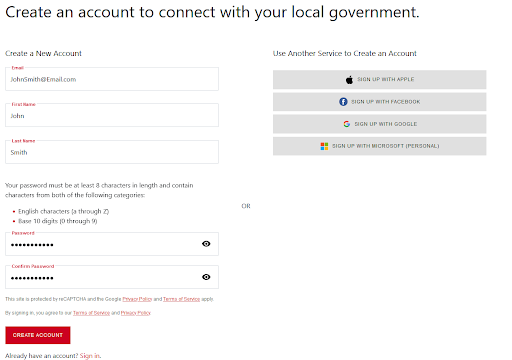
Enter your information and create a password on the “Create a New Account” page.
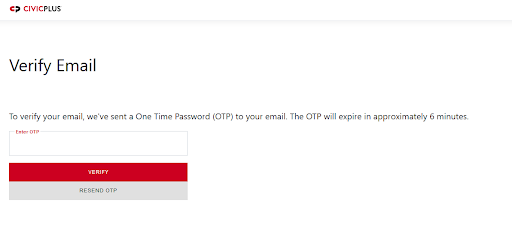
Verify your email address.
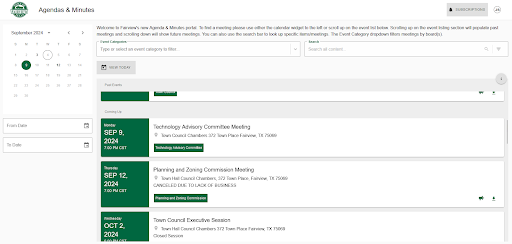
Once verified, you will see the Agenda & Minutes Portal.
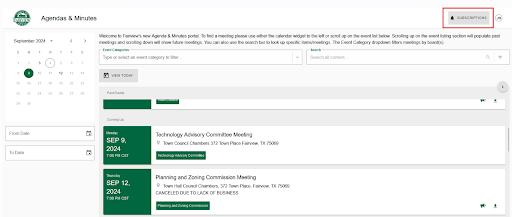
Click “SUBSCRIPTIONS” at the top right of the screen.
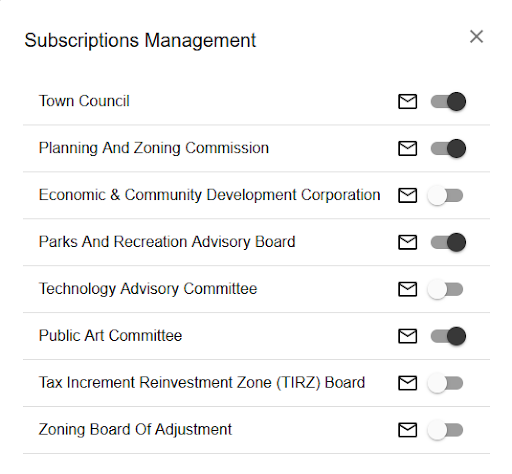
Select the types of meetings you wish to receive agenda notifications for.
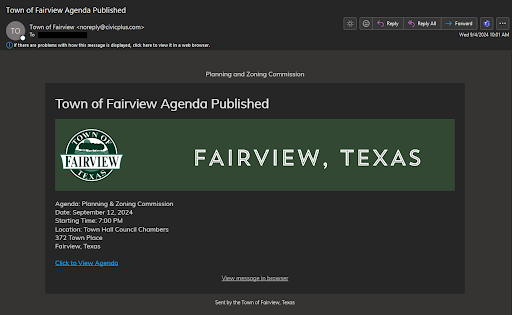
Once agendas are posted, you will receive a notification from noreply@civicplus.com. Please whitelist this email address to avoid it landing in your spam folder.
If you have any further questions or require additional assistance, contact the Town Secretary at townsecretary@fairviewtexas.org or 972-886-4234.