
FAIRVIEW, TEXAS
Is Your Home Wi-Fi Safe? What Every Household Should Know
Technology Advice Contributed by the Fairview Technology Advisory Committee
Home security is no longer just about locks and alarms. Today, the front line of defense often starts with something we can’t see: our Wi-Fi network. Smart thermostats, lights, TVs and even refrigerators now link to our home networks. This “Internet of Things” (IoT) offers convenience but also creates risk. Each connected device represents a potential entry point for hackers. The average household in the U.S. had over 17 connected devices in 2023, a number expected to rise significantly. Cybercriminals exploit weak passwords, outdated software and unsecured devices to sneak into our homes digitally, often without our knowledge.
The good news? Protecting your digital space is easier than you think. All it takes is a layered approach, a little know-how and action before problems arise.
Start with Your Router
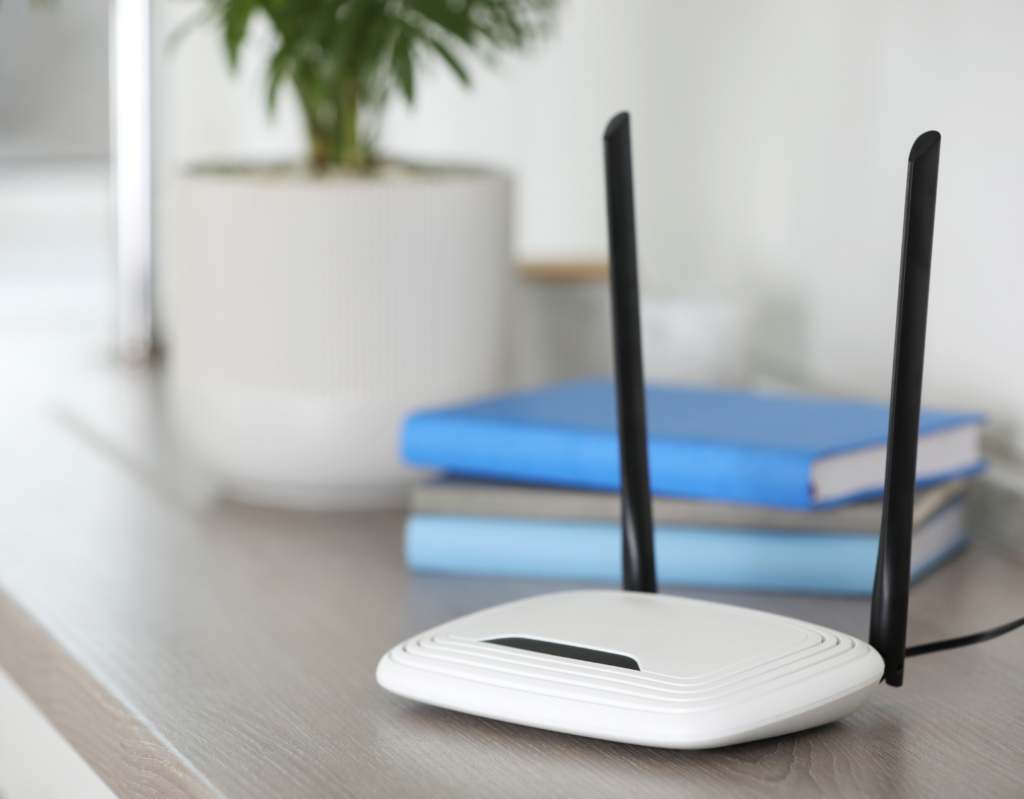
Your router is the digital gatekeeper of your home. Start by changing the default administrator username and password. Enable the newest and best Wi-Fi Protected Access Protocol encryption – WPA3 – if your router and devices support it. It’s the most secure option today. If WPA3 isn’t available, use WPA2 with a strong, unique password, and consider upgrading to a newer router.
Keep your router’s firmware updated. Manufacturers often release patches that fix security flaws.
Disable remote management, which allows access to your router from outside your home and often isn’t necessary.
Use a Separate Network for Smart Devices and Guests
Create a guest network for visitors and for smart devices like smart thermostats, TVs, cameras and kitchen gadgets to separate them from your phones, computers and other personal devices. This limits access to sensitive data on your personal devices and reduces the risk if a connected gadget or guest device is compromised. It’s an easy way to create a digital boundary without sacrificing convenience.
Check Your Wi-Fi Devices Regularly
Take a few minutes each month to check what’s connected to your Wi-Fi Network. Most routers have a built-in app or dashboard that shows a list of devices using your internet. If you spot something unfamiliar, it’s time to investigate. Also, make sure your devices have the latest
software/firmware updates. Staying on top of this helps catch problems early and keeps your network safer. Also, enable two-factor authentication (2FA) on apps and accounts that support it, which adds a second layer of protection in case your password is ever compromised.
Advanced Home Wi-Fi Security: Smart Moves Beyond the Basics
For even stronger protection, there are several advanced steps you can take to secure your home Wi-Fi network.
- Start by enabling MAC (Media Access Control) address filtering. This allows only approved devices with known hardware addresses to connect to your network, blocking any unfamiliar or unauthorized devices by default.
- Activate your router’s firewall and disable unnecessary features like Universal Plug and Play (UPnP) or port forwarding, which can create security loopholes hackers may exploit.[3]
- Consider hiding your Wi-Fi network by disabling SSID broadcasting (SSID stands for service set identifier, which is essentially your network name) to make it less visible to casual snoopers. If you choose to broadcast it, use a custom network name that doesn’t reveal your name, address or device brand.
Build Smart Habits: The Best Defense Is You
The most powerful way to secure your home network isn’t just technology, it’s awareness. Whether you’re checking your router settings, updating your devices or creating a guest network, small steps go a long way. These habits, repeated regularly, make your household a much harder target for digital intruders.
While advanced tools like virtual private networks (VPNs) and domain name system (DNS) filters can add extra protection, they’re most effective when paired with good everyday practices.
Think of your Wi-Fi security like locking your front door: It should be routine, not reactive. In a world where more of life is lived online, protecting your home Wi-Fi is not just smart, it’s essential.
- Parks: Average U.S. Internet Home Had 17 Connected Devices in 2023
- Federal Trade Commission (FTC) (2022) Securing Your Wireless Network
- National Institute of Standards and Technology (NIST) (2020) Considerations for Managing Internet of Things (IoT) Cybersecurity and Privacy Risks (NIST IR 8228)
- DigitalTrends: How to tell if someone is using your Wi-Fi (and kick them off) Tyler Lacoma, March 12, 2024
- Lifewire: MAC Address Filtering: What It Is and How It Works. Bradley Mitchell, August 4, 2021
- Cybersecurity and Infrastructure Security Agency. Securing Wireless Networks, February o1, 2021